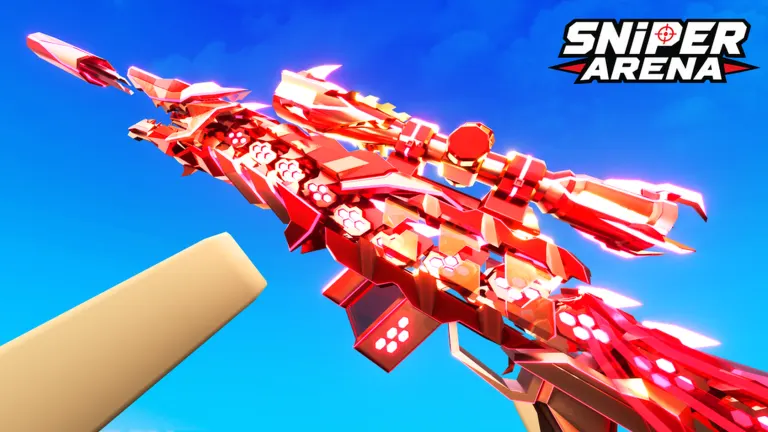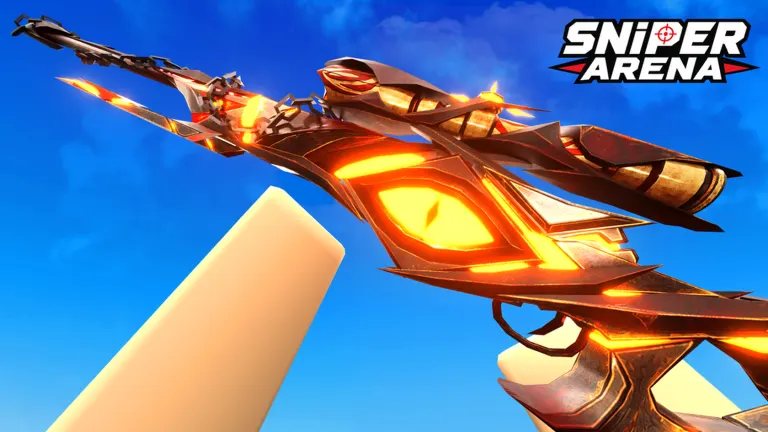
Get started with Sniper Arena
Sniper Arena puts you into fast sniper battles where the immediate goal is to eliminate opponents. Learning your aiming, shooting, and movement controls gives you a useful starting point because skins provide no combat stat bonuses. You can focus on improving your play while treating cosmetic collecting as a separate activity.
This guide covers Sniper Arena by 9D GAME CLUB on Roblox. Open the official Roblox game page and check the creator name before launching. That distinction matters because other games use the same name or call one of their modes a sniper arena.
The experience supports several device types:
| Device | Listed support |
|---|---|
| Desktop | PC controls for shooting, aiming, inspecting, crouching, and sliding |
| Phones and tablets | Mobile play with auto-lock support |
| Xbox | Console play with controller controls |
| PlayStation 5 | Console play; check in-game prompts for button labels |
Start on whichever supported device feels most comfortable. Your first goal should be understanding the controls well enough to aim and fire without searching for the right button.
The broader progression includes unlocking additional snipers, collecting skins from crates, and selling skins through a player-driven market. Ranked matches also offer rewards for defeating other players. You do not need to understand every cosmetic option before practicing the basic combat loop.
Learn the controls for your device
On desktop, shooting and aiming use separate mouse buttons. Learn those first, then practice the movement actions. Inspect is useful when you want to look at your equipment, but it should be a lower priority while you are still getting comfortable with combat.
| Input type | Button or key | Action |
|---|---|---|
| PC | Left mouse button | Shoot |
| PC | Right mouse button | Aim |
| PC | V | Inspect |
| PC | Ctrl or C | Crouch and slide |
| Controller | R2 | Shoot |
| Controller | L2 | Aim |
| Controller | Y | Inspect |
For a first PC session, practice moving between aiming and firing until the sequence feels comfortable. Then try Ctrl or C and observe how crouching and sliding behave during play. Both actions share the listed controls, so learn their behavior directly before making them part of a complicated movement routine.
The published controller controls use R2, L2, and Y as their labels. Since the game supports both Xbox and PlayStation 5, check the prompts shown on your device. A separate PlayStation Inspect button is not identified in the game's published control list.
Mobile play includes auto-lock support. Spend your first encounters observing how it handles targeting. Knowing what the assistance does will help you decide when to engage and how to position yourself.
For any device, concentrate on one unfamiliar action at a time. If you are still searching for the fire button, adding repeated movement inputs can make it harder to understand why an encounter went wrong. Build a comfortable aiming and shooting routine, then expand it.
Build a simple routine for your first matches
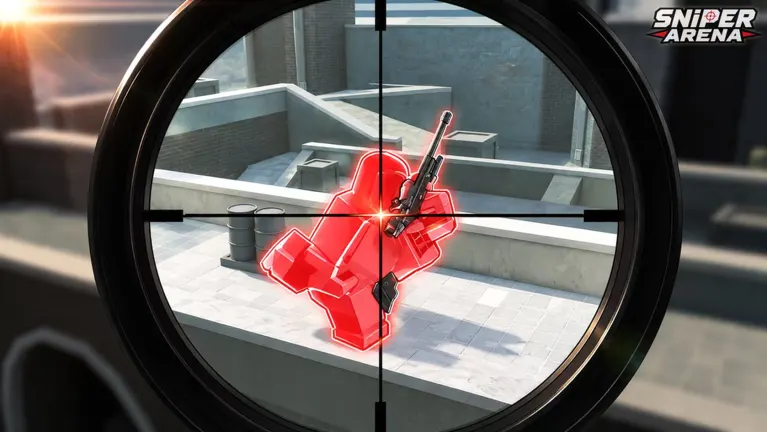
A useful beginner routine is to identify an opponent, aim deliberately, fire, and reassess your position. Treat this as practice advice: your goal is to make each action intentional and learn which decisions help you survive encounters.
Use your first matches to work through these priorities:
- Find opponents before committing to an action. Give yourself a clear target. If you are firing without being sure where an opponent is, slow down enough to understand the encounter.
- Aim with a specific purpose. Practice bringing your aim onto the target before shooting. Pay attention to whether you fired too early or spent so long lining up that the opportunity passed.
- Review what happened after the shot. Notice whether the opponent moved, whether your aim was off, or whether you remained exposed while watching the result. Choose one adjustment for the next encounter.
- Add movement gradually. On PC, experiment with the listed crouch and slide controls. Practice using them deliberately so that movement supports your aim instead of overwhelming your attention.
- Choose one improvement per match. You might focus on finding targets sooner, aiming more consistently, or remembering to reassess your position. A narrow goal makes progress easier to notice.
Avoid assuming that a missed elimination means you need a different skin. Cosmetic appearance does not increase combat stats, so changing a skin will not fix a timing or aiming problem.
Once the basic controls feel familiar, bring the same routine into Ranked. Keep your attention on repeatable decisions instead of trying to learn every system at once. A match can still teach you something useful even when its result is disappointing.
Understand sniper unlocks, skins, and CASH
Sniper Arena combines weapon unlocks with cosmetic collecting and trading. These systems have different purposes, so it helps to understand what each action actually gives you.
| System | What it does |
|---|---|
| Sniper unlocks | Adds more snipers to your available collection |
| Crates | Provides a way to obtain skins |
| Skin market | Lets you sell skins to earn CASH |
| CASH purchases | Lets you unlock premium skins |
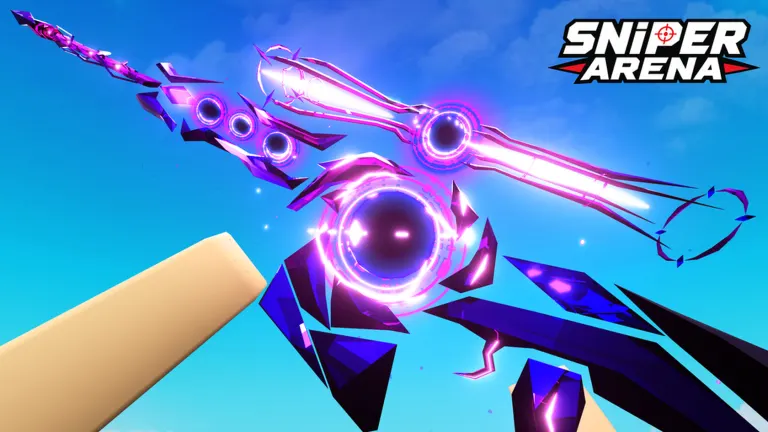
The most important distinction is between snipers and skins. The game advertises additional snipers to unlock, while explicitly describing skins as cosmetic. A skin changes appearance without providing a stat boost. Do not use a skin's price or premium label as evidence that it will improve your combat performance.
Before pursuing a sniper unlock, check any displayed requirements and costs. Before pursuing a skin, decide whether you want its appearance or intend to participate in the market. Keeping those goals separate makes it easier to understand what you are spending resources on.
The advertised cosmetic loop is straightforward: obtain skins, sell skins on the market for CASH, and use CASH toward premium skins. This creates a route to cosmetic items through trading without necessarily spending real money.
A player-driven market should not be treated as a guaranteed source of a particular return. Check the current in-game listing and transaction details before committing to a trade. The game's description does not promise a fixed resale value for every skin.
You can also leave collecting for later. If your main goal is learning combat, understanding that skins offer no stat advantage is enough to get started.
Earn Credits and approach Ranked
The game names both Credits and CASH, and its advertised bonuses apply specifically to in-match Credits. Keep that distinction in mind when reading reward messages or deciding what a bonus will help you earn.
Two Credit bonuses are listed:
| Condition | Advertised benefit |
|---|---|
| Being a Premium player | 20% more in-match Credits |
| Playing with friends | 20% more in-match Credits |
Playing with friends therefore offers a practical benefit alongside having familiar people in your session. Premium players also receive the listed Credit increase.
The bonuses are advertised separately. Do not assume that using both produces a particular combined multiplier; check the game's reward display for how your earnings are calculated. Neither bonus is described as an increase to CASH from skin sales.
Ranked is presented as a place to defeat other players and earn rewards. When starting out, concentrate on becoming comfortable with the controls and making consistent decisions. You can pursue Ranked rewards while continuing to practice those fundamentals.
Keep expectations about scoring grounded in what the game actually displays. Fixed point awards, matchmaking formulas, and rank thresholds should not be borrowed from another game's arena mode.
Finally, play fairly. The developer states that cheating carries a permanent ban. Improving through practice keeps your progress within the game's rules.
FAQ
What matters most when learning how to play sniper arena?
Learn how to aim and shoot on your device, then practice making deliberate decisions during encounters. On PC, add crouching and sliding once the mouse controls feel comfortable. Skin collecting can wait until you understand the combat basics.
Do premium skins make you stronger?
No. Skins are cosmetic and provide no stat boosts. A premium skin is an appearance choice, so buying one should not be treated as a way to improve damage or gain a combat advantage.
Can you play on a phone or console?
Yes. Supported devices include phones, tablets, desktop computers, Xbox, and PlayStation 5. Mobile play supports auto-lock. Console players should check their in-game prompts because the published controller list does not explain every platform-specific button label.
Are Credits and CASH the same thing?
Treat them as separate named resources. The advertised Premium and friend bonuses increase in-match Credits. Selling skins on the market earns CASH, which can be used to unlock premium skins. Do not assume a Credit bonus also increases market earnings.
How do you earn Ranked rewards?
Join Ranked matches and defeat other players. Check the in-game Ranked information for the rewards and requirements available to you. Focus first on learning the controls and improving your decisions rather than expecting a fixed reward from every match.
Do older helmet and diamond tutorials apply?
Tutorials about helmet upgrades, diamonds, or Sniper 3D arena points concern different games. For this Roblox experience, look for information that identifies 9D GAME CLUB as the creator and matches its sniper unlocks, cosmetic skins, Credits, and CASH systems.